

Proxmox
Servers and VMs
Your nodes, VMs, and containers in one list. Boot the box you left off and watch CPU, memory, and disk while it comes up.
- Start, stop, reboot
- CPU, memory, and disk per node
Tina connects to Ollama, llama.cpp, and any OpenAI compatible server, then hands you the rest of your homelab while you're at it.
Your chats go to your machine and stop there. No accounts, no per token billing, no middleman owning your data.
 Ollama
 llama.cpp
 OpenAI
 ComfyUI
Proxmox
ComfyUI
Proxmox
 Portainer
 RunPod
Chat
Ollama, llama.cpp, and anything speaking the OpenAI API.
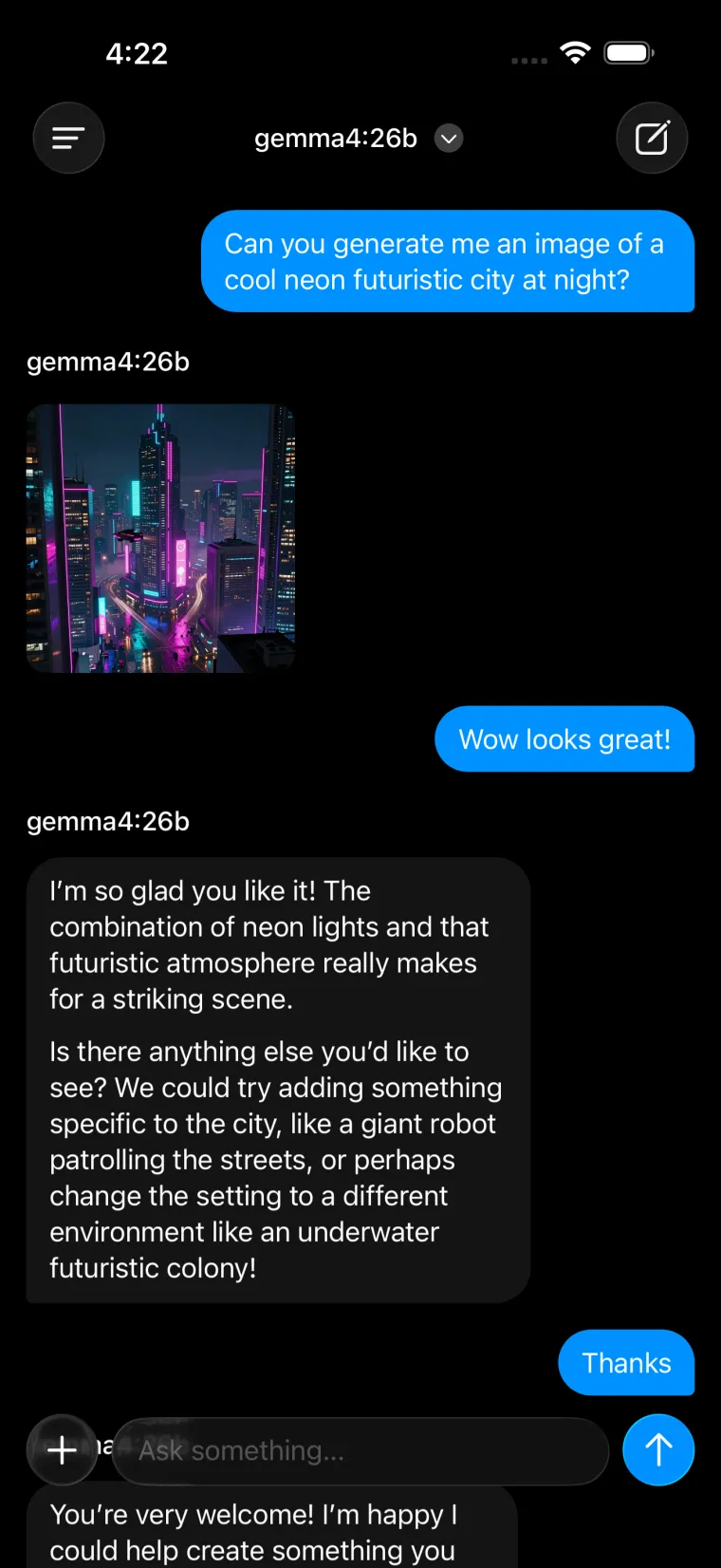
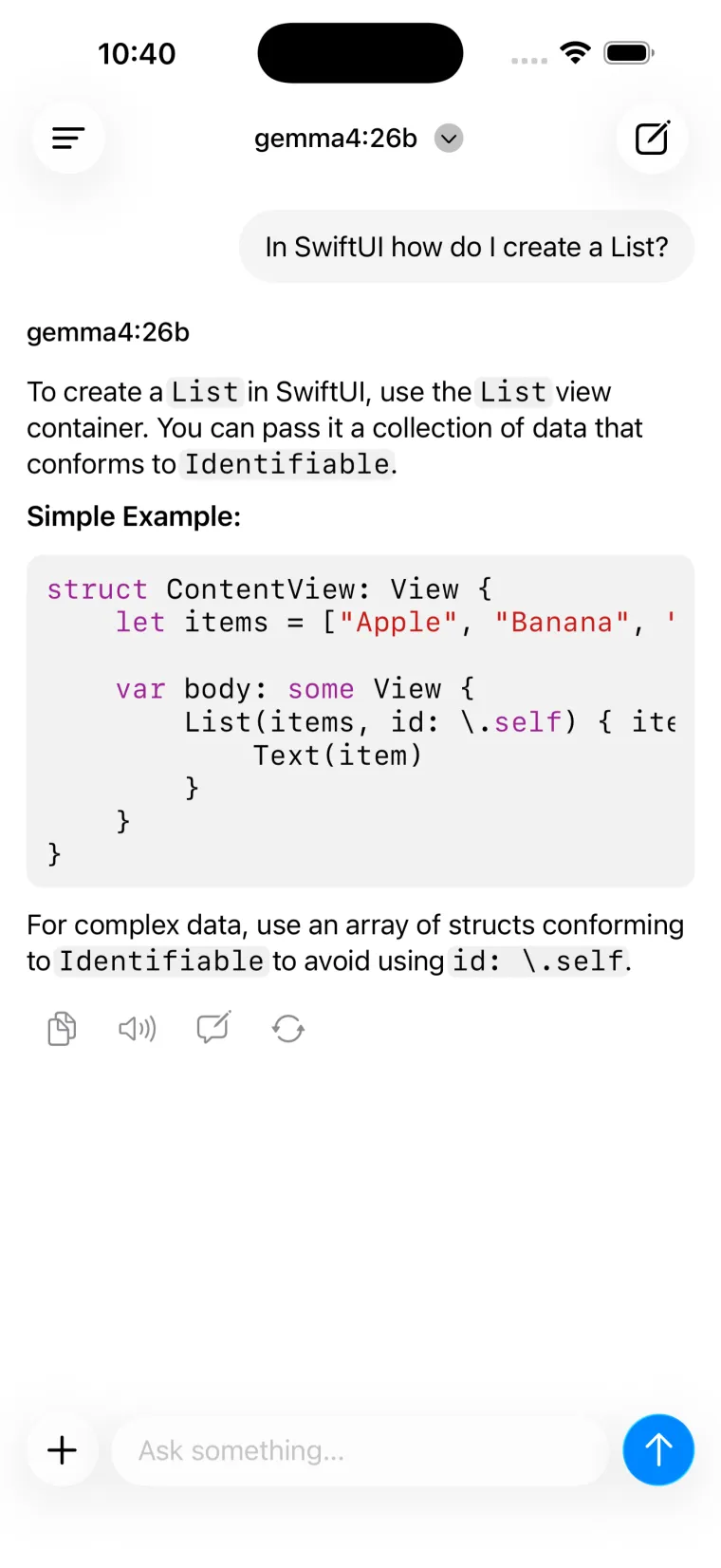
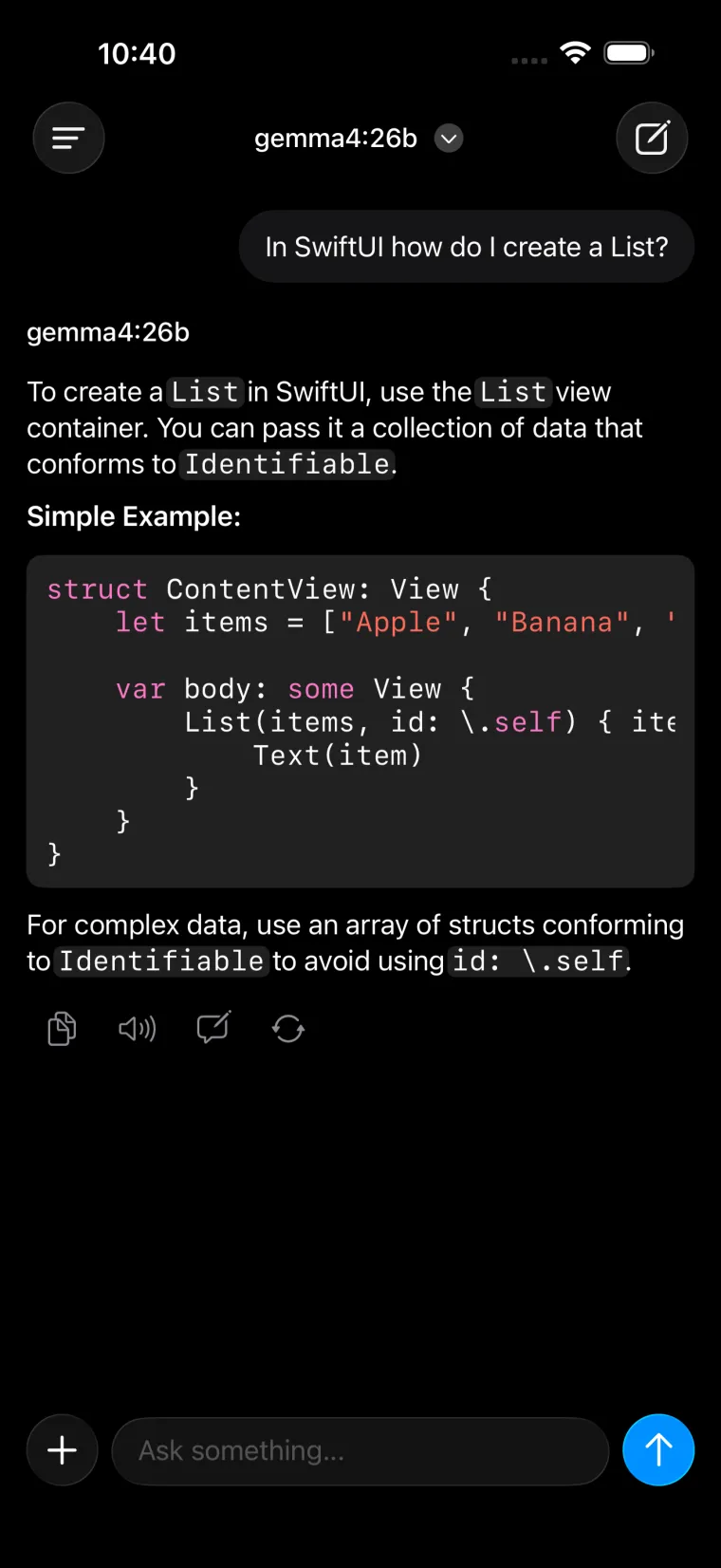
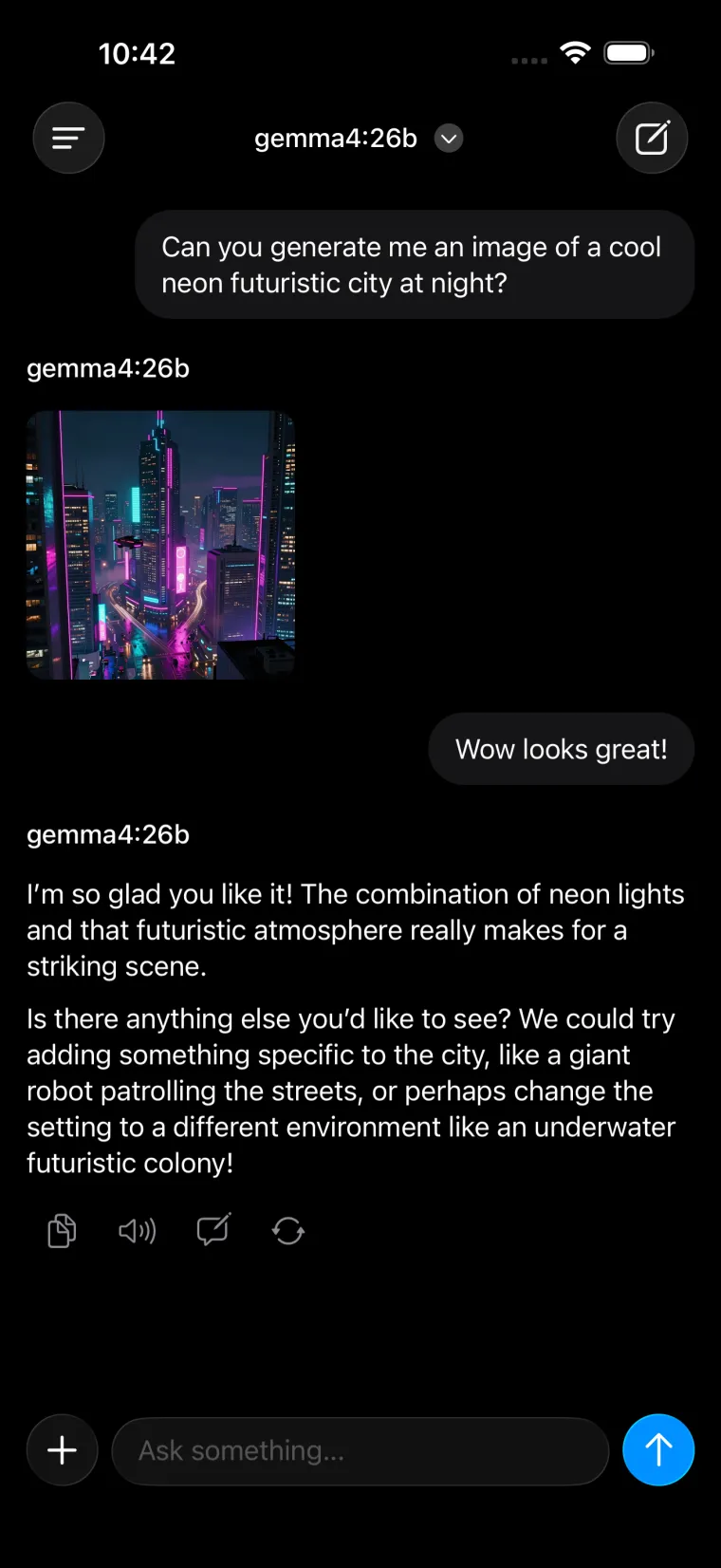
Point Tina at a server and start typing. Responses stream in with real markdown and syntax highlighted code. Attach photos and documents, switch models mid conversation, and have Tina read replies out loud.
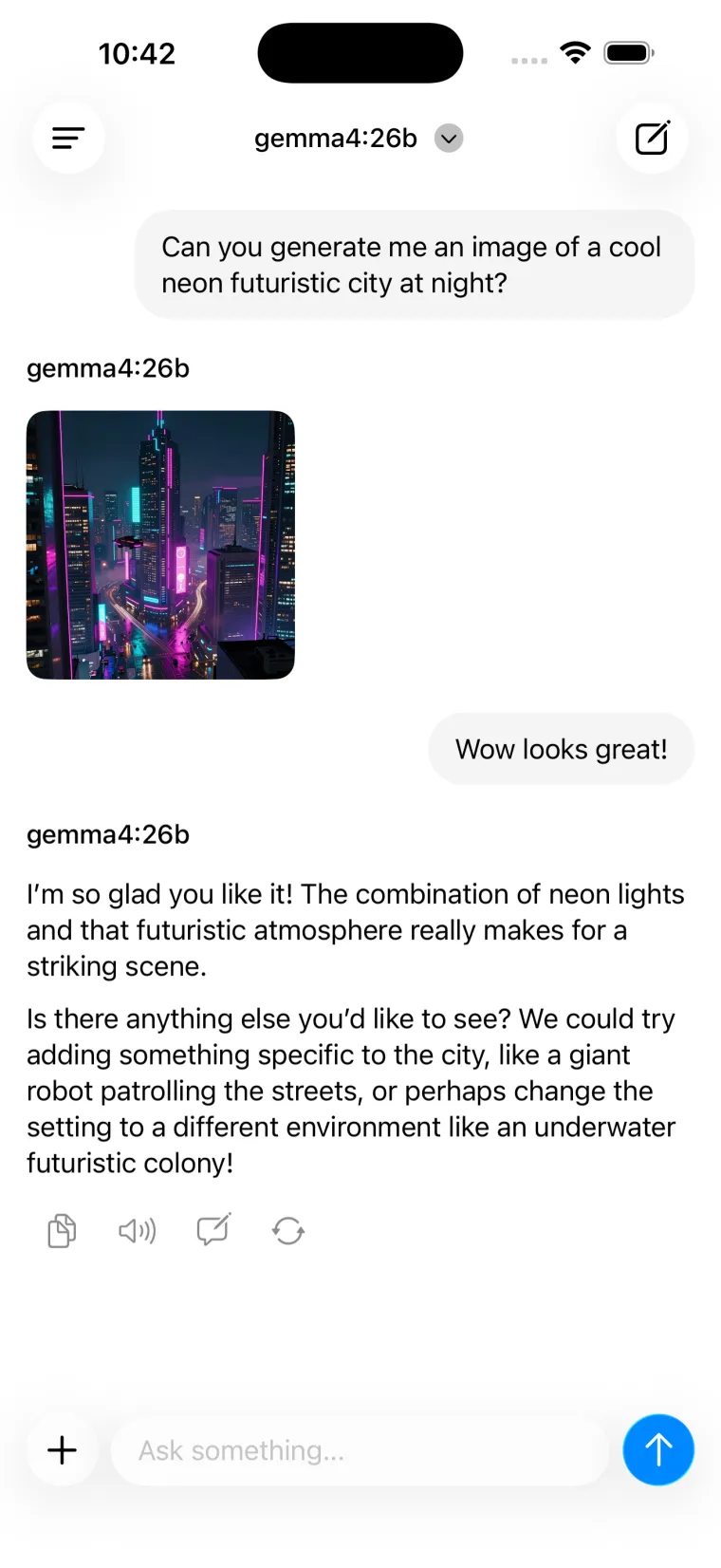
Ask for an image and the model calls ComfyUI or OpenAI on its own, then drops the result straight into the thread. Run several servers? Add them all and pick per chat.
ComfyUI
Real workflows, real nodes, no laptop required.
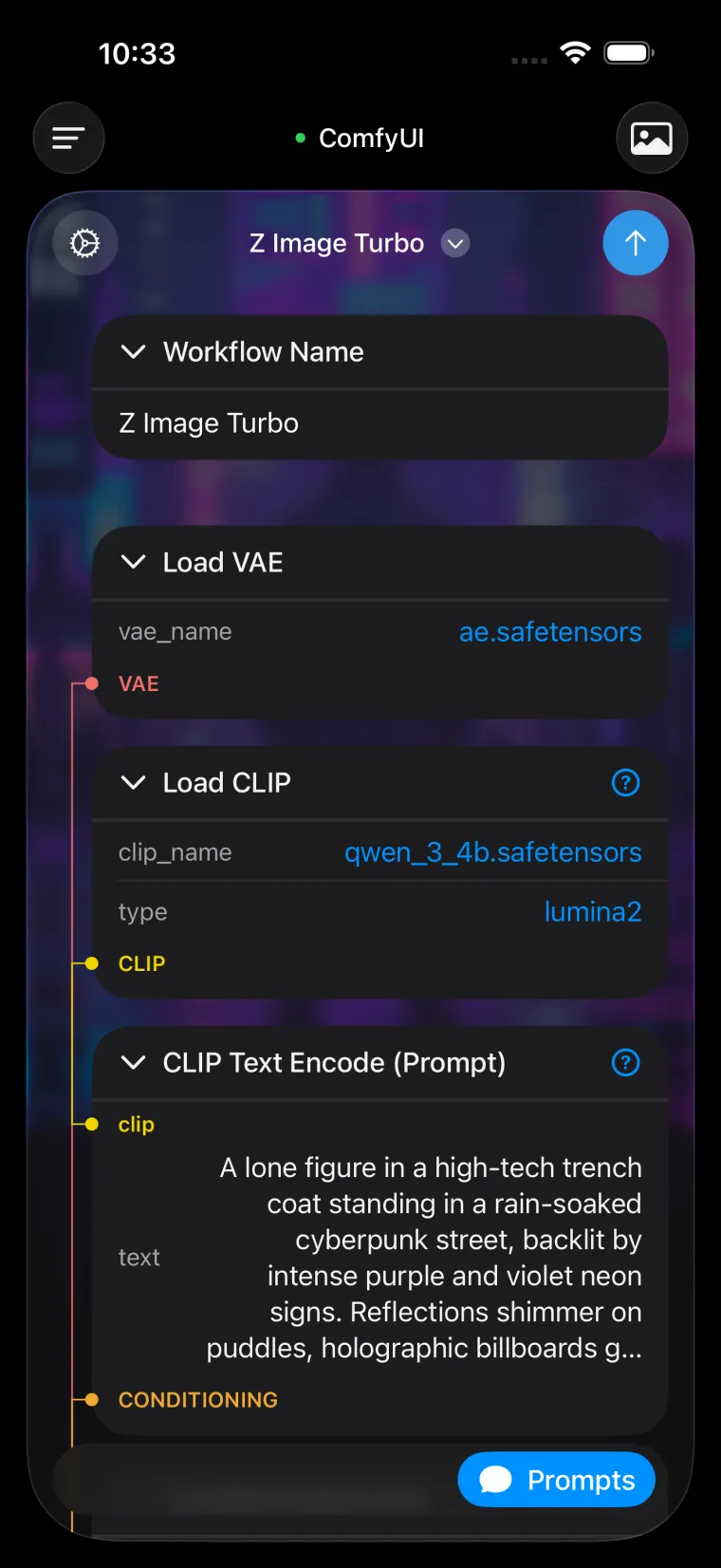
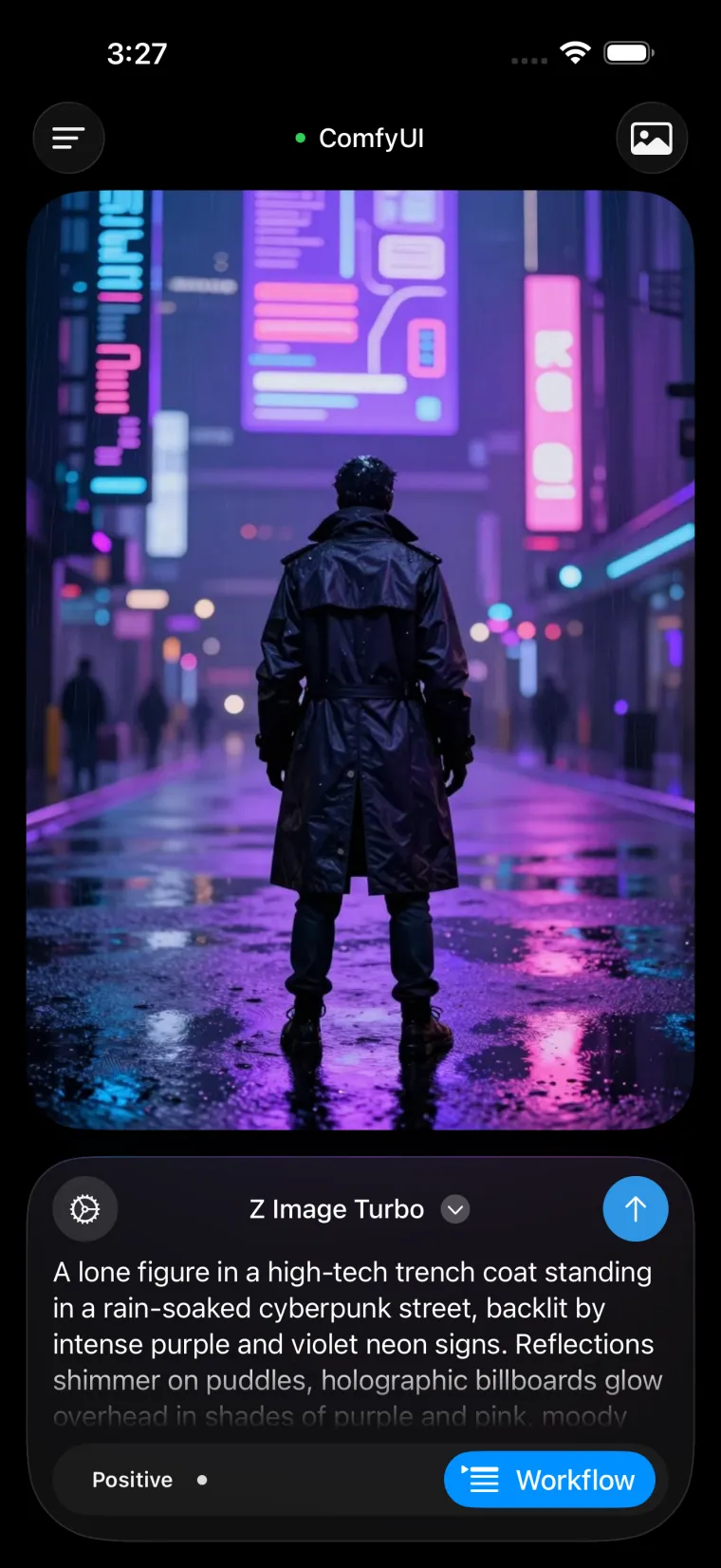
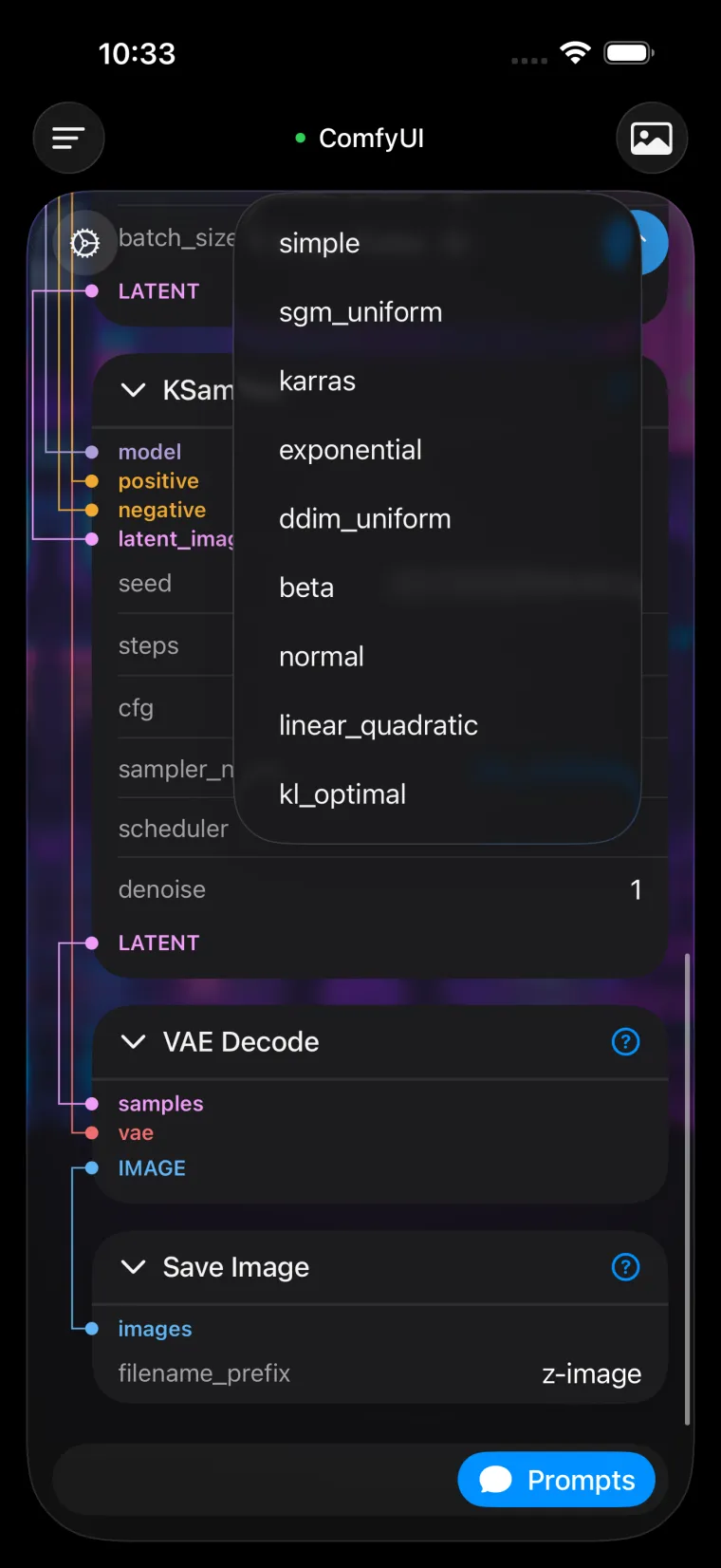
Tina loads the workflows already sitting on your ComfyUI install and lays the graph out for a phone screen. Every node stays editable: swap checkpoints, rewrite prompts, change the seed, retype a sampler. Connections stay visible so you can follow VAE and CLIP through the chain without pinching around a canvas.
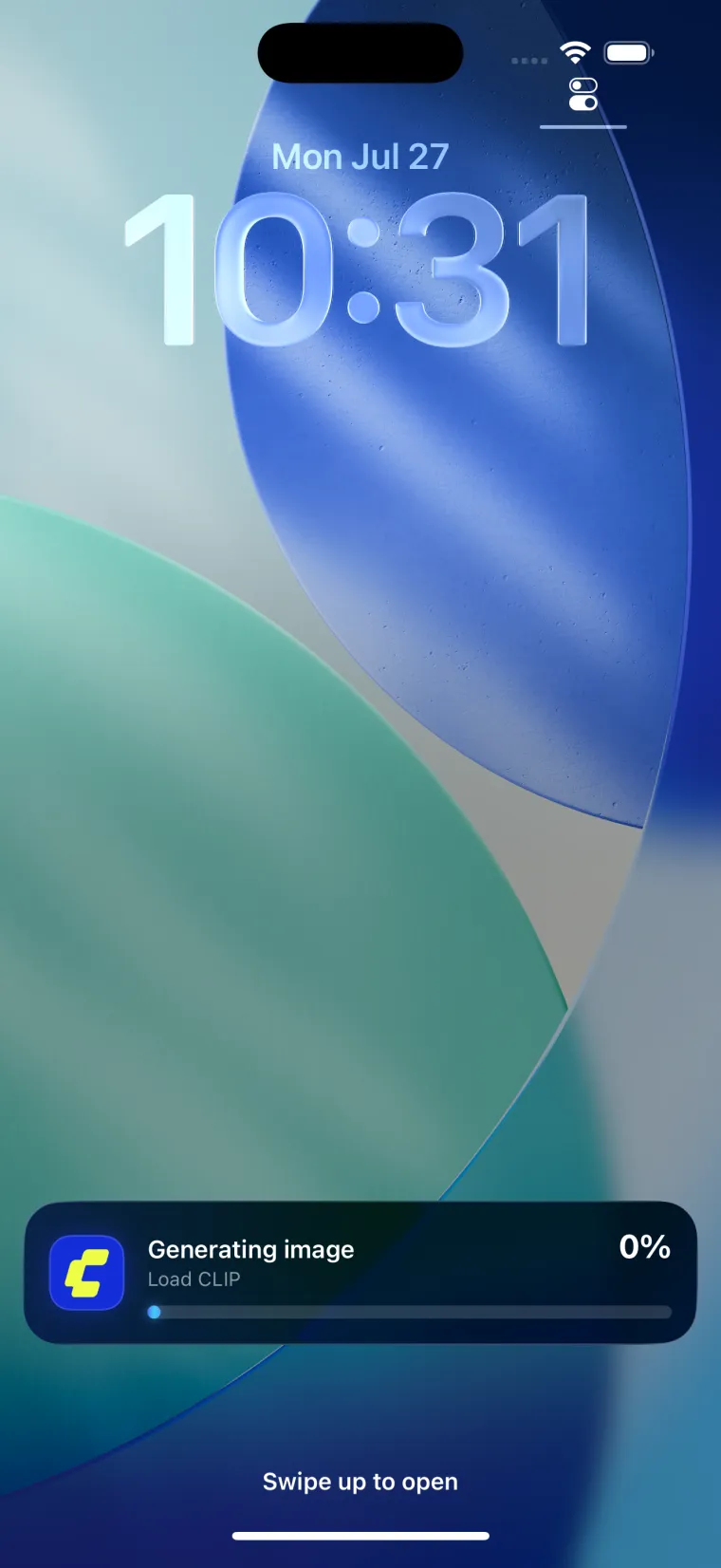
Queue a run and a Live Activity tracks progress on your lock screen. Walk away, come back when the image lands.
Ollama
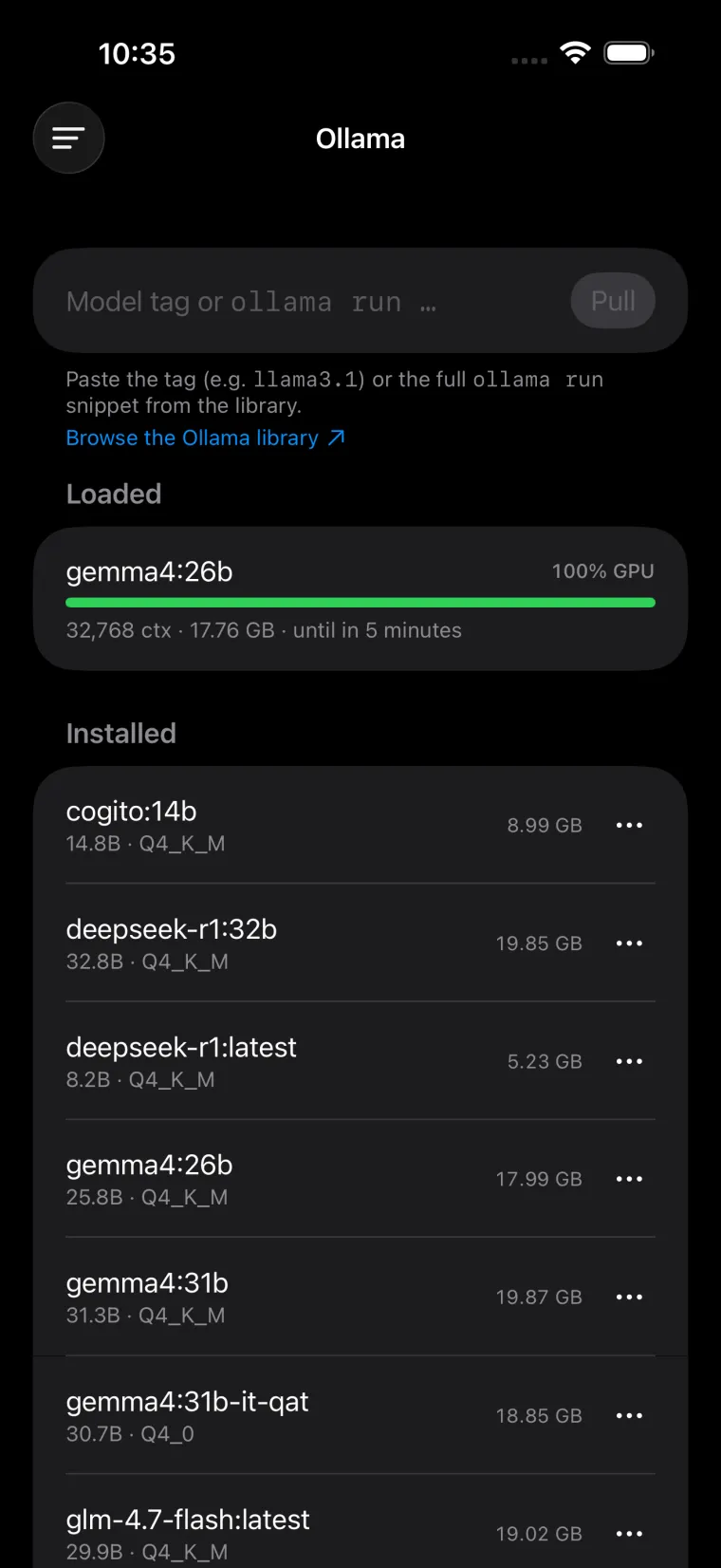
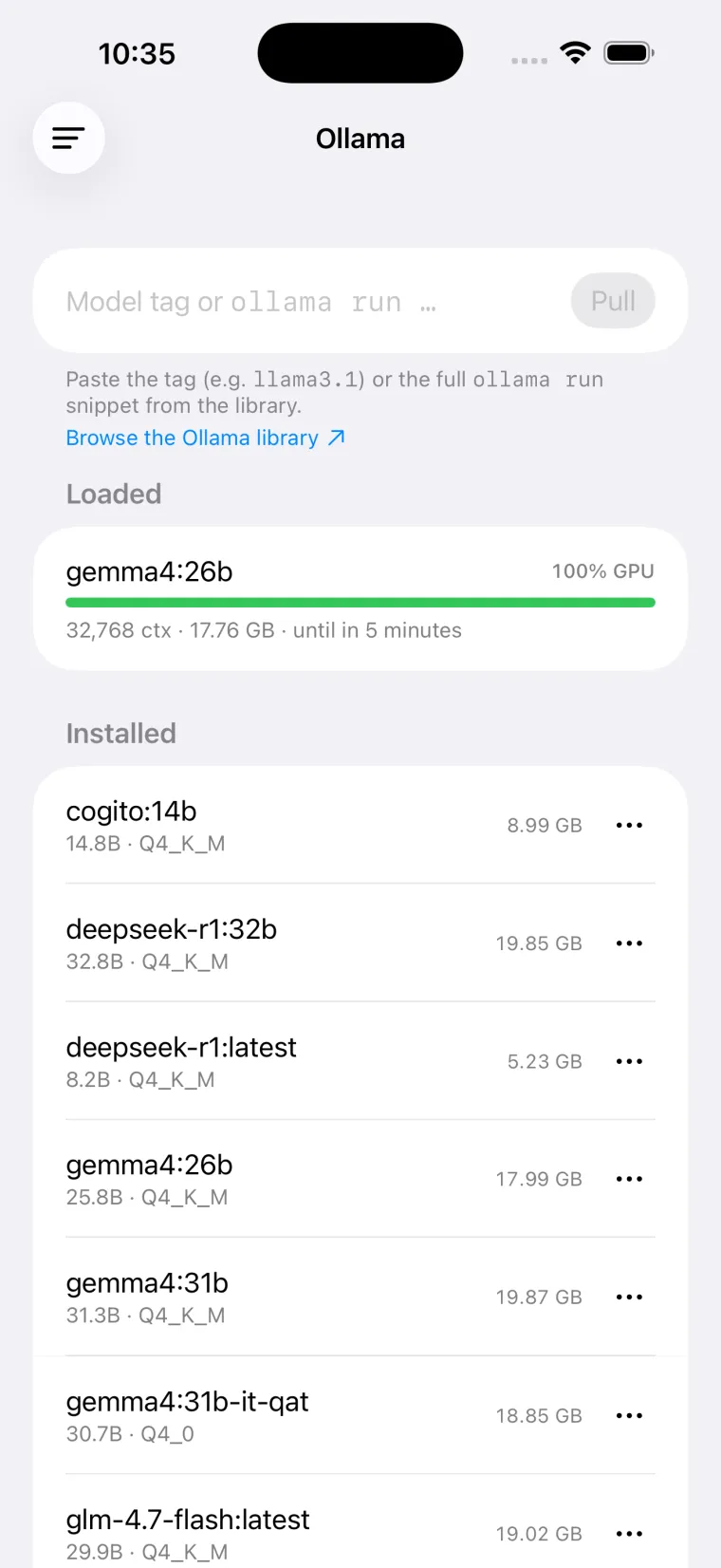
Manage Ollama right from your phone.
Paste a tag or the whole ollama run snippet and Tina pulls it, with live
download progress. See what's currently loaded, how much VRAM it's holding, how much of
it sits on GPU, and when it unloads. Free up memory or delete a model you never use with
two taps.
Handy when you're on the train and remember the 30B you meant to try.
Integrations
VMs, containers, and rented GPUs in one place.
Start the VM you forgot to boot before leaving. Restart the container that wedged itself overnight. Check CPU, memory, and disk on a node while the family waits for the media server to come back.
Renting a GPU by the hour on RunPod? Spin a pod up when you need one, and shut it down from your phone the second you're done paying for it.
Servers and VMs
Your nodes, VMs, and containers in one list. Boot the box you left off and watch CPU, memory, and disk while it comes up.
Containers
Your containers, running or not. Restart the one that wedged itself overnight without opening a laptop.
Rented GPUs
Rented GPUs by the hour. Start a pod when you need it, kill it the second you stop getting value out of it.
OllamaPull, load, and evict models
llama.cppChat with the one you compiled
 ChatterboxVoice for spoken replies
 FirecrawlPull the web into a chat
 Home AssistantAsk the house what it's doing
Plus ComfyUI for images, and any server that speaks the OpenAI chat completions API.
Memory & compaction
Built for the models you can actually fit in VRAM.
A 24GB card means a modest context window, and long threads fall off the edge of it. Tina compacts older turns into a summary and keeps going, so the model still knows what you decided forty messages ago.
Memory works across chats. Tell Tina once that you run Arch and hate tabs, and it carries that into tomorrow's conversation instead of asking again. Emotion gives replies a mood that shifts with the conversation rather than the same flat tone every time.
Appearance
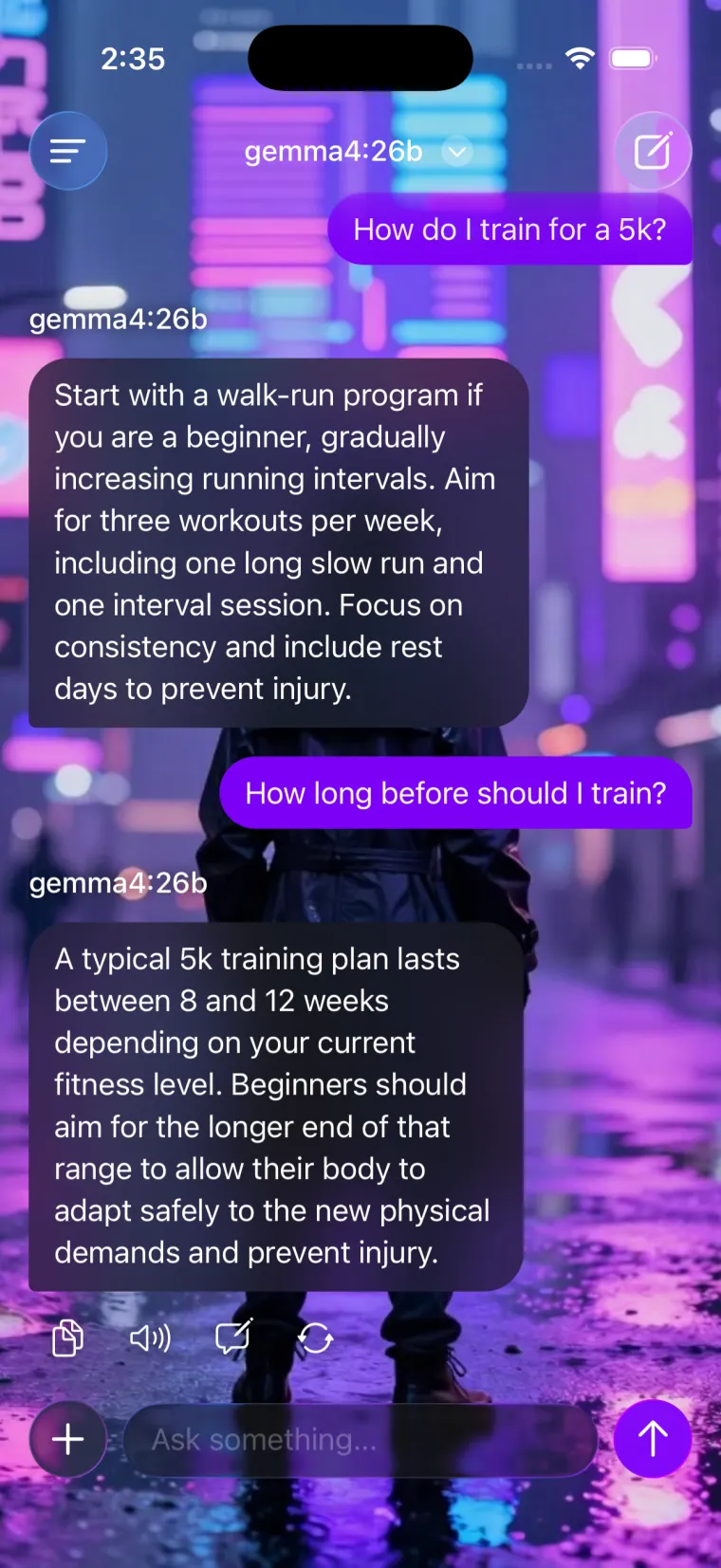
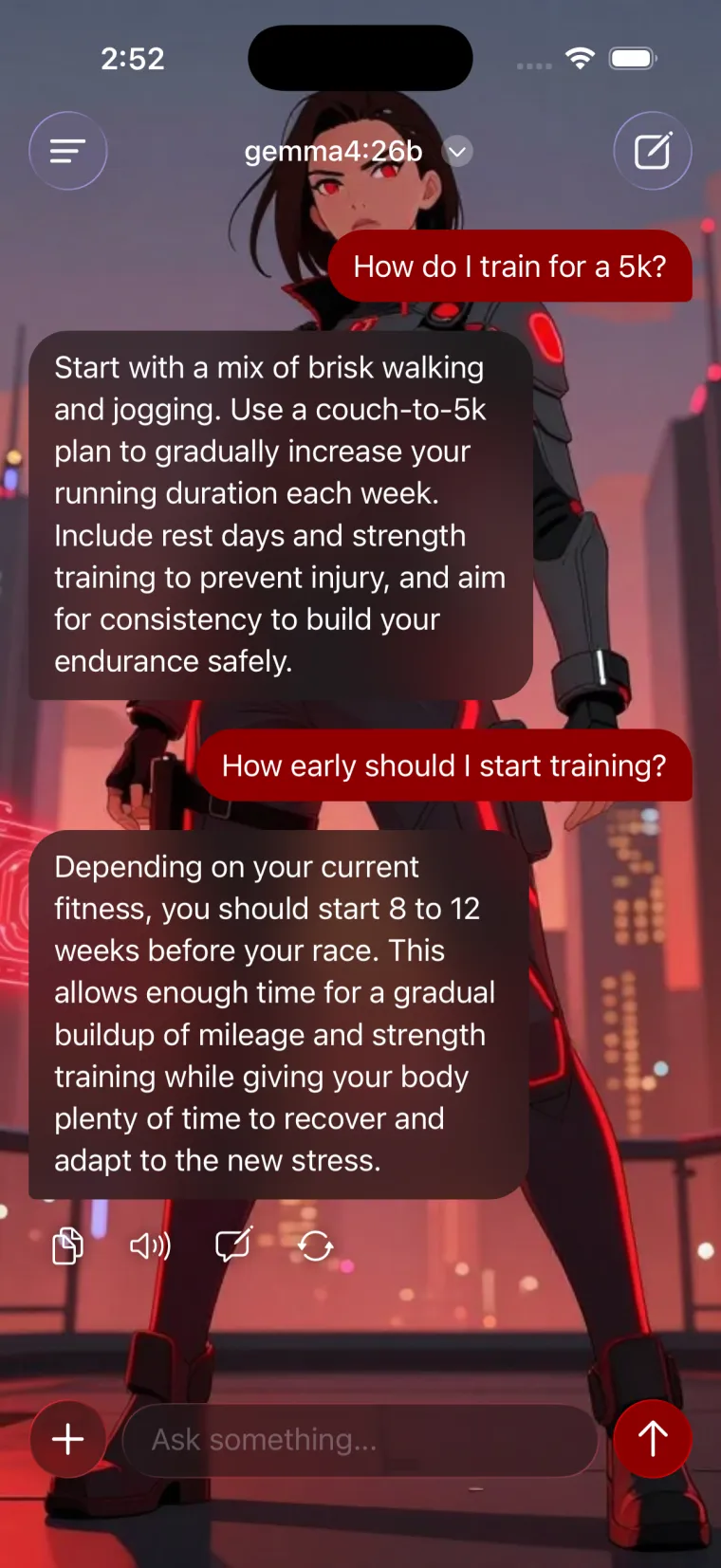
Backgrounds, colors, and bubbles you pick.
Set a background, choose your accent color, and shape the bubbles how you like. Light and dark both get their own treatment. Ten minutes of fiddling here and the app stops looking like everyone else's.